Einleitung
Der Software Synthesizer Hive 2.1 von uHe ist schon eine Weile auf dem Markt und längst nicht so bekannt wie Serum von Xfer oder Vital von Tydell, aber er ist dennoch ein unglaublich stark klingender und dazu erstaunlich CPU schonender Synthesizer, den es sich in Erwägung zu ziehen lohnt.
Dazu kommt noch die absolut hervorragende laufende Produktpflege von uHe, die eigentlich jedes ihrer Produkte erhält. Die meisten sind für Linux, Windows und MacOs erhältlich, als CLAP, VST3, VST2, AU, AAX, NKS als 64Bit und teilweise auch als 32Bit Version erhältlich. Auf der Produktseite gibt es noch wesentlich mehr technische Infos rund um den Synthesizer wie MPE, Tastatursteuerung, Opensound, Oddsound MTS-ESP, Theming & Skins usw.
Das hat mich vor einiger Zeit dazu gebracht einen umfangreichen Workshop bzw Masterclass auf Deutsch und auf Englisch für diesen wunderbaren Synthesizer zu produzieren.
Ich würde mich auch sehr freuen, wenn ihr diesen Workshop weiter empfehlen würdet.
Hive 2.1 Produkt Webseite auf der u-He Webseite https://u-he.com/products/hive/
Hive 2.1 Synthesizer Workshop - Deutsch
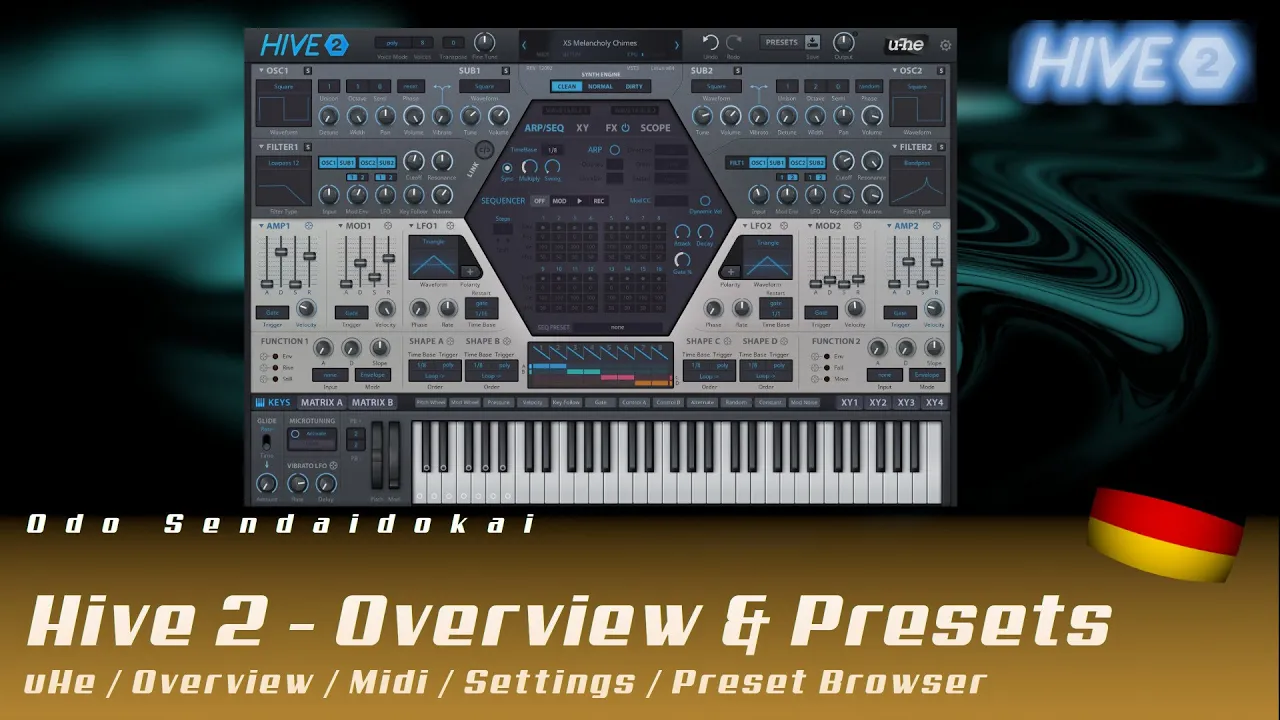
Hive2.1 - Overview & Presets & Settings #1
Im ersten Teil meiner Hive 2.1 Workshop-Serie erhältst du einen kompletten Überblick über den leistungsstarken und CPU-schonenden Synthesizer von u-He - von den globalen Einstellungen und Voice-Modi bis hin zur Preset-Verwaltung und Benutzeroberfläche.
Lerne, wie du die Hive 2.1-Oberfläche navigierst, Zoom-Stufen anpasst, Themes wechselst und wichtige Funktionen wie Transpose, Fine-Tune, MIDI-Learn und den Preset-Browser mit seinem umfangreichen Tagging- und Suchsystem nutzt.
Perfekt für Einsteiger und Fortgeschrittene - dieses Tutorial deckt alles ab, was du wissen musst, um mit einem der unterschätztesten Synthesizer auf dem Markt durchzustarten!
Hive2.1 - Oscillator & Wavetable & Synth Engine #2
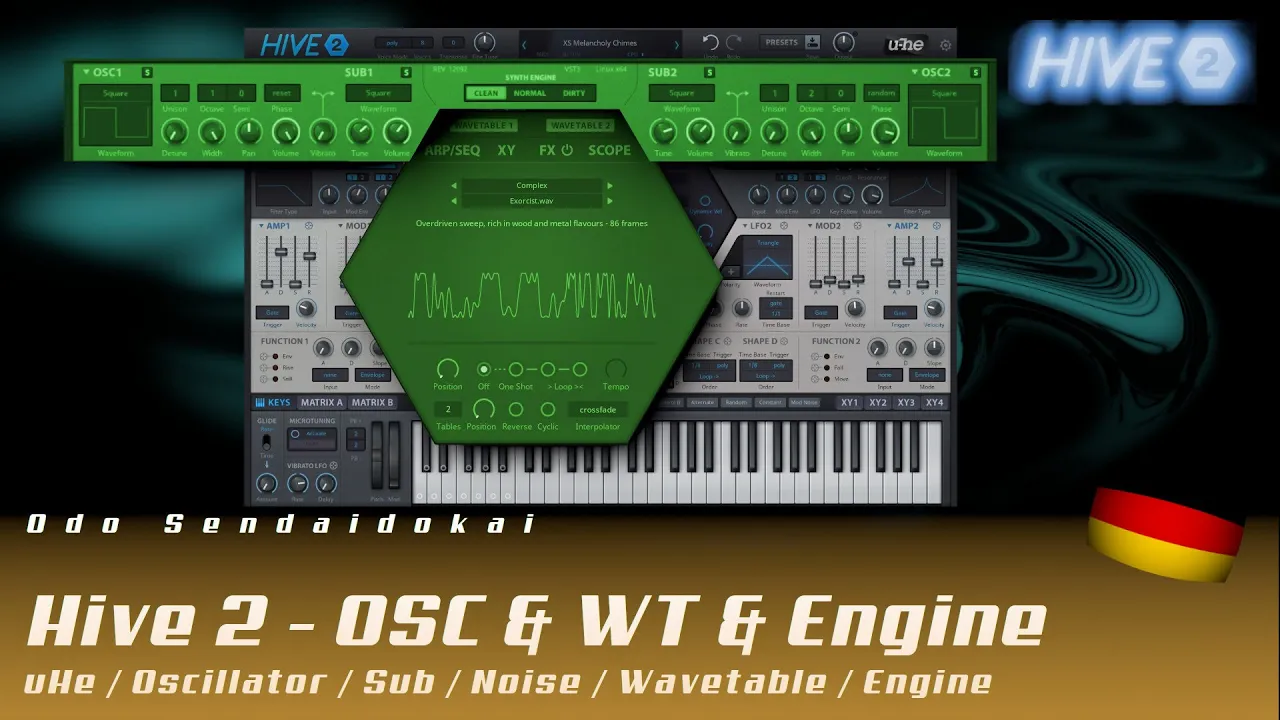
Im zweiten Teil meiner Hive 2.1 Workshop-Serie tauchst du tief in die Oszillatoren und die Sound-Engine des Synthesizers ein - von klassischen Wellenformen wie Sinus, Sägezahn und Puls bis hin zu den leistungsstarken Wavetables.
Lerne, wie du mit Unison-Voices, Detune, Panning, Phasen-Einstellungen (Reset/Random/Flow) und der Synth-Engine (Clean/Normal/Dirty) deine Sounds fett und lebendig machst.
Entdecke die kreativen Möglichkeiten der Wavetable-Sektion - inklusive Position, One-Shot, Tempo, Loop, Reverse, Interpolation und der 3D-Tables-Funktion für komplexe Klangbewegungen!
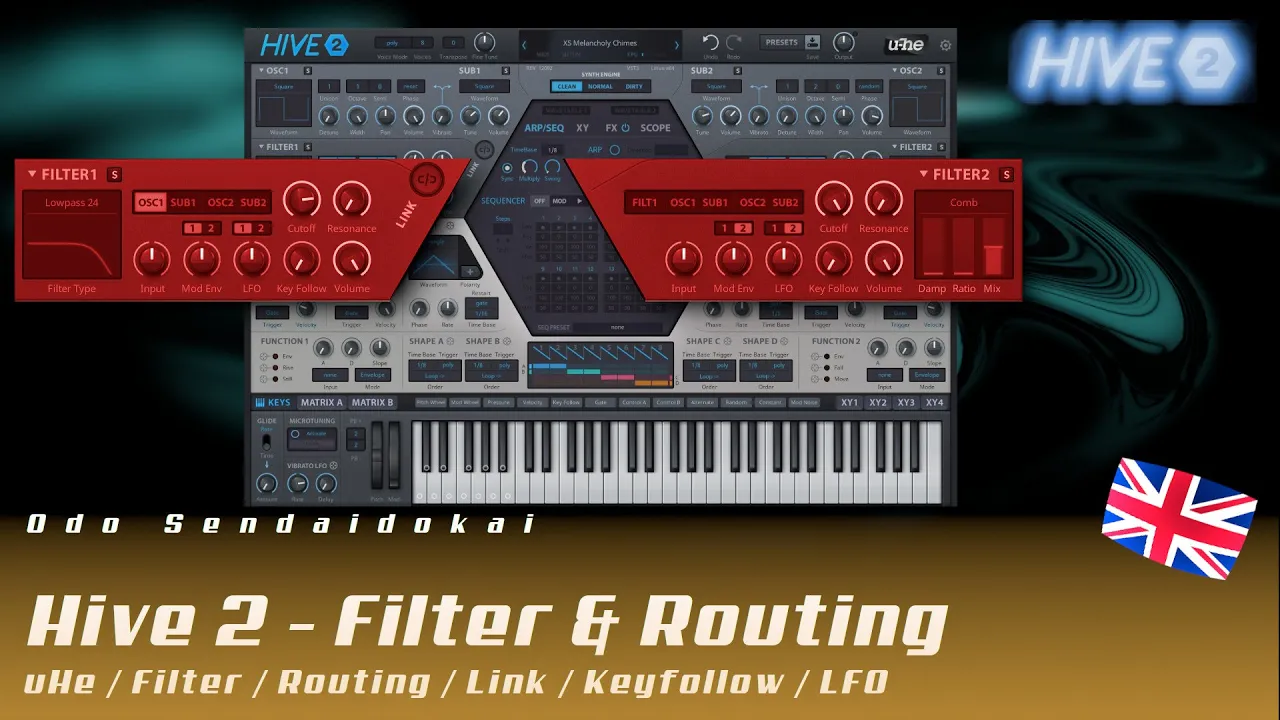
Hive2.1 - Filter & Routing #3
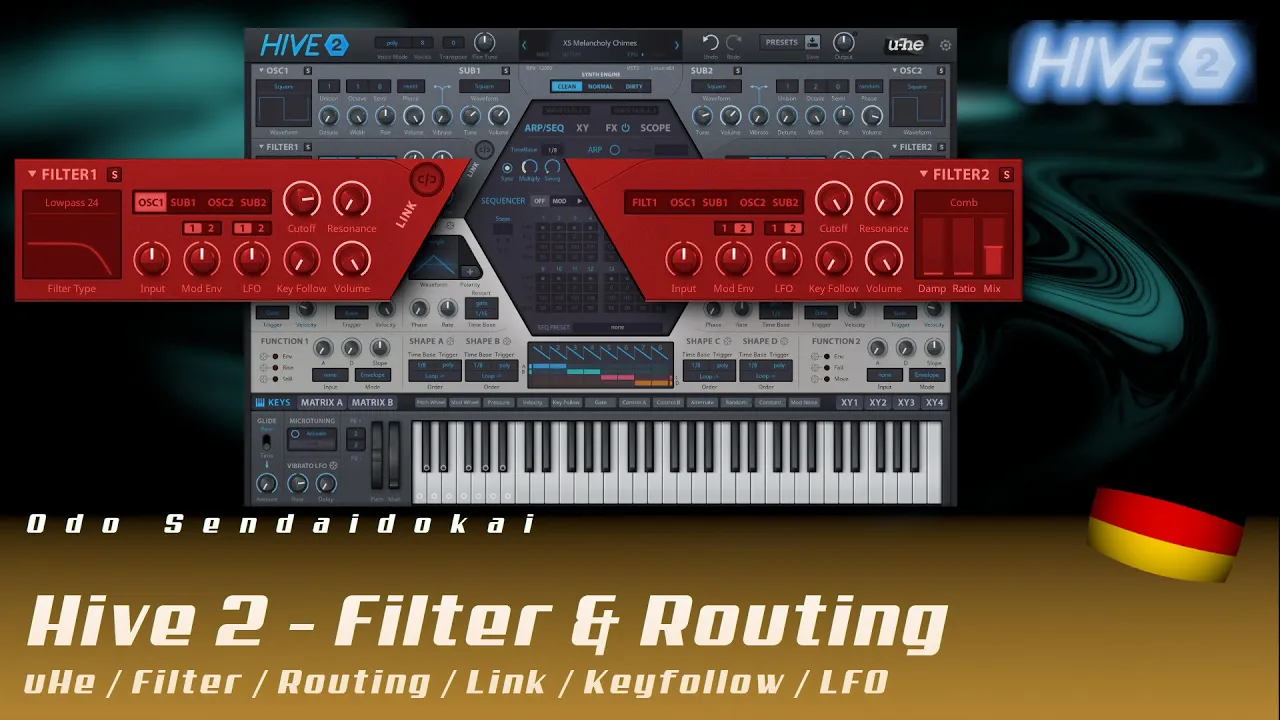
Im dritten Teil meiner Hive 2.1 Workshop-Serie dreht sich alles um die Filter und das Audio-Routing - von klassischen Lowpass-, Highpass- und Bandpass-Filtern bis hin zu speziellen Varianten wie Comb-, Peaking-, Sideband- und Reverb-Filtern.
Lerne, wie du Oszillatoren durch die Filter routest, Filter 1 durch Filter 2 schleifst, mit Cutoff, Resonanz, Keyfollow und der Synth-Engine (Clean/Normal/Dirty) arbeitest und so völlig neue Klangwelten erschaffst.
Entdecke die kreative Kraft der Comb-Filter für metallische, perkussive und atmosphärische Sounds - inklusive praktischer Tipps zur Feineinstellung mit der Shift-Taste und zur Modulation von Filterparametern!
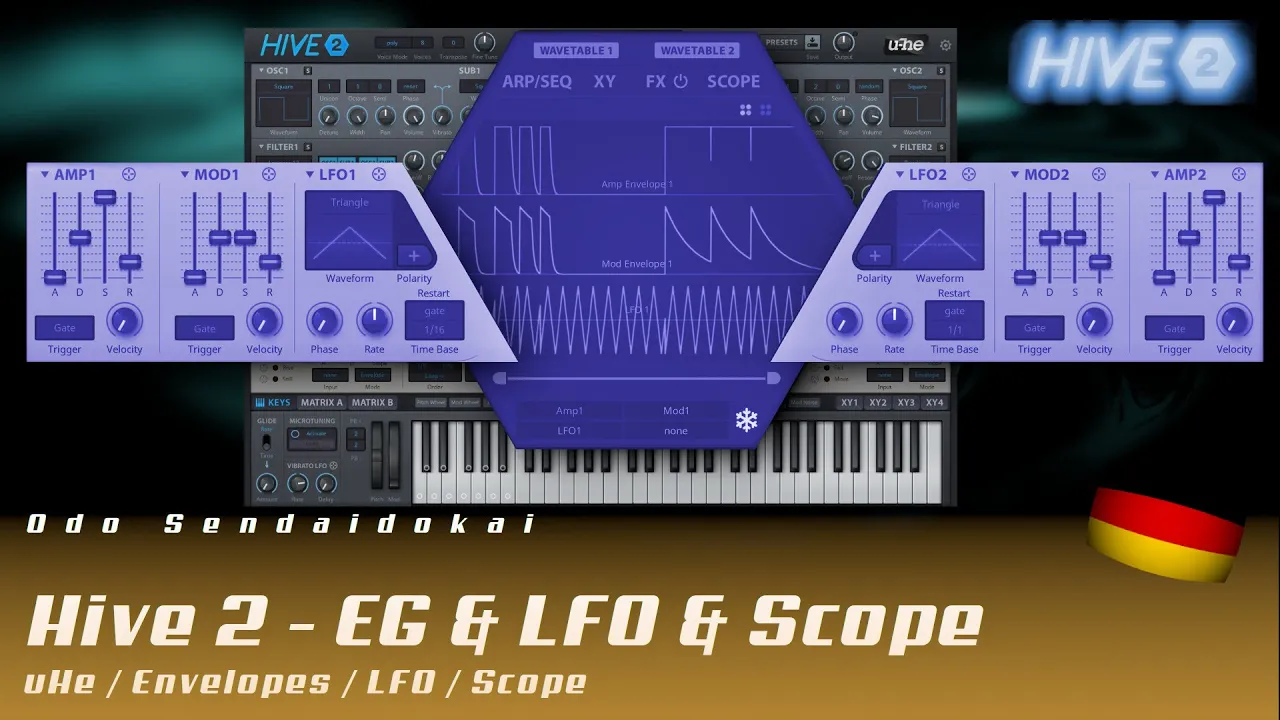
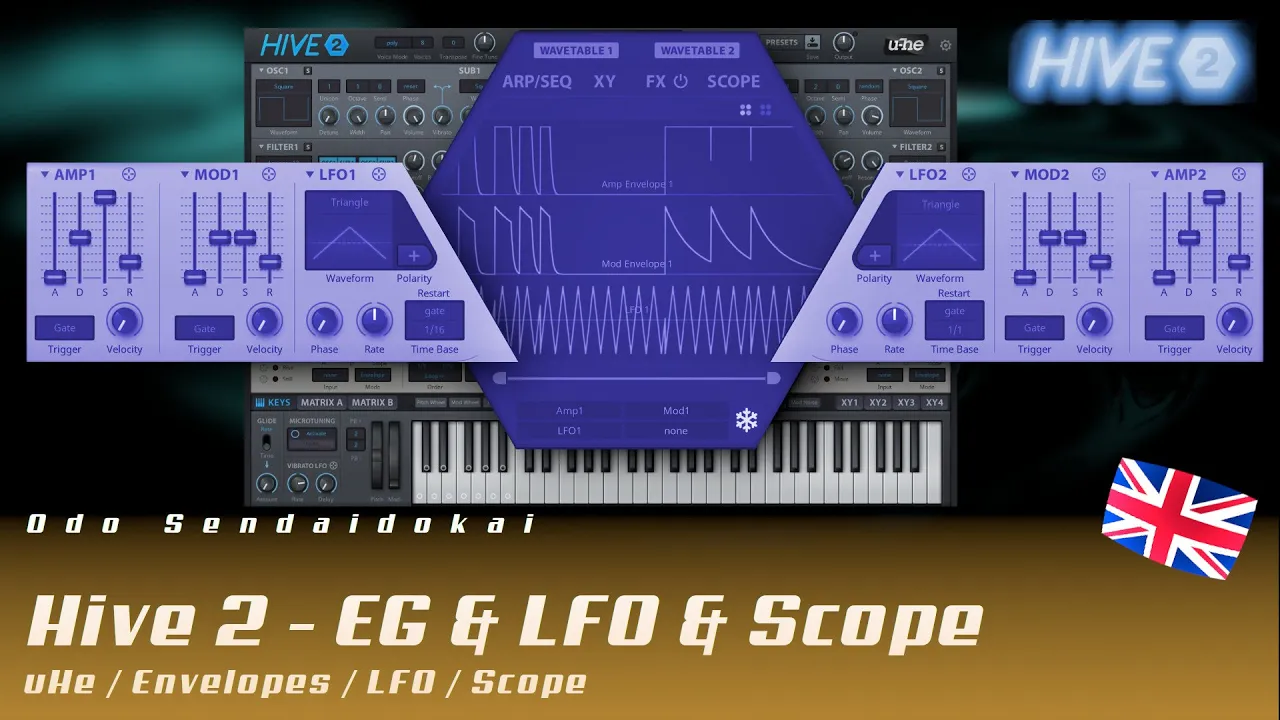
Hive2.1 - Envelopes & LFO & Scope #4
Im vierten Teil meiner Hive 2.1 Workshop-Serie dreht sich alles um die Envelope-Generatoren (AMP & MOD), LFOs und den praktischen Scope - dein visuelles Werkzeug zur Überwachung von Wellenformen und Modulationsquellen.
Lerne, wie du mit ADSR-Hüllkurven Lautstärke und Filterparameter formst, eigenständige und gegenseitige Modulationen erstellst und die Kurvenverläufe durch Eigenmodulation konkav oder konvex beeinflusst.
Entdecke die vielfältigen Trigger-Optionen (Gate, OneShot, LFO1/LFO2), Velocity-Steuerung, Phasenverschiebung und Polarity-Einstellungen für monophone und polyphone LFOs - für lebendige, dynamische Soundgestaltung!
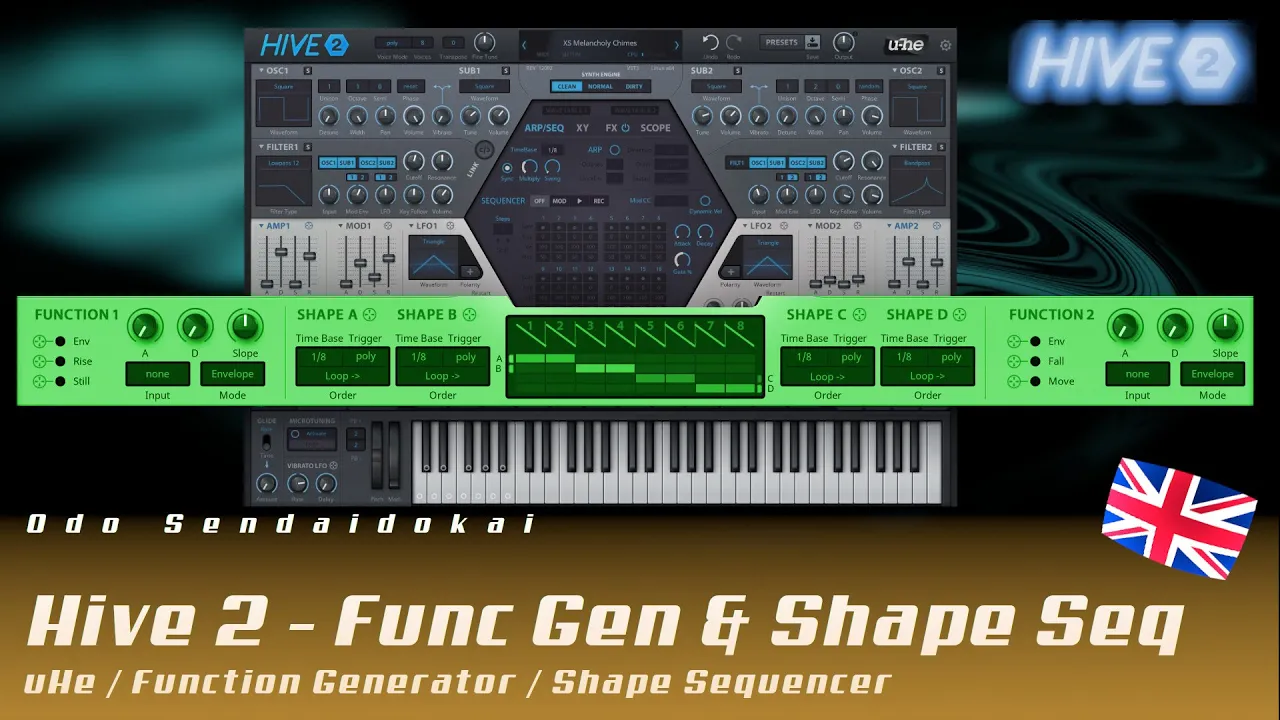
Hive2.1 - Function Generator & Shape Sequencer #5
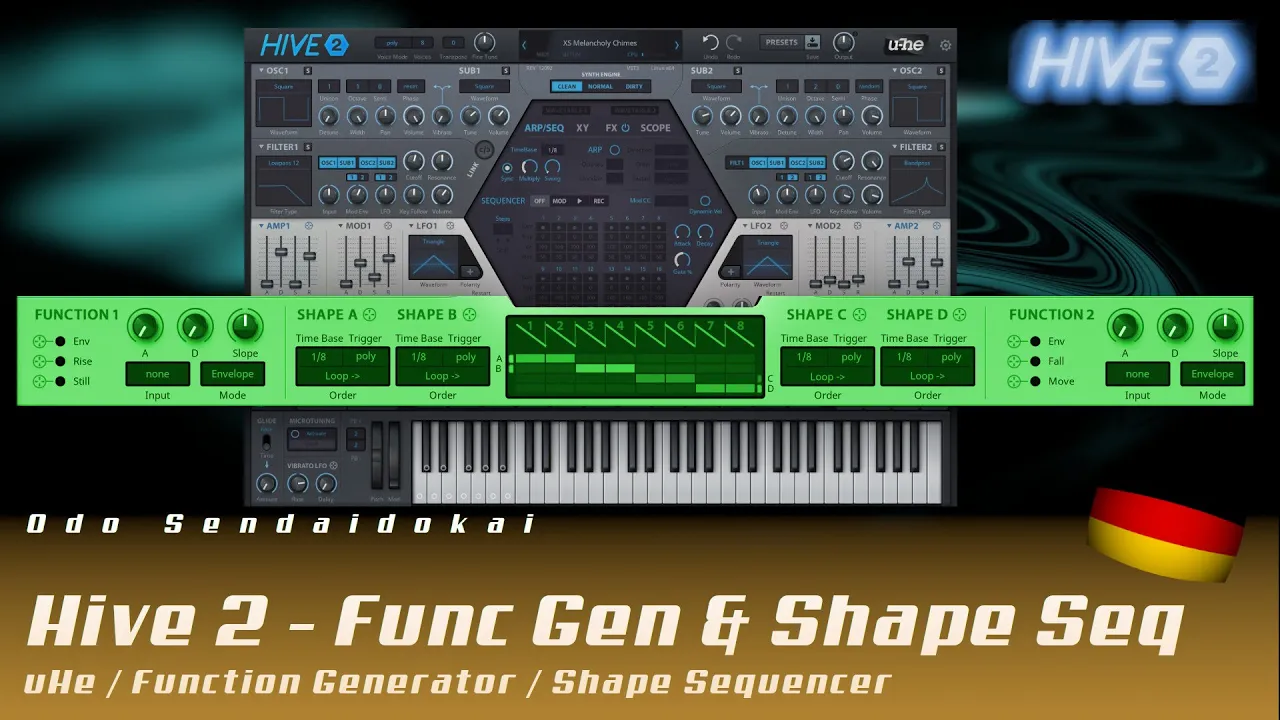
Im fünften Teil meiner Hive 2.1 Workshop-Serie tauchst du ein in die Welt der Function Generators und Shape Sequencer - zwei mächtige Modulationswerkzeuge, die aus der analogen Modular-Welt inspiriert sind.
Lerne, wie du mit den speziellen Parametern wie End/Lock, Rise, Fall, Still und Move sowie dem Slope-Regler komplexe Modulationskurven erzeugst und mit Input-Trigger-Modi (Gate, Cycle, Follow, Trigger) dynamische Steuerungen realisierst.
Entdecke die acht-Step-Shape-Sequenzer mit variablen Segment-Typen (Sägezahn, Dreieck, Rechteck), unterschiedlichen Abspielmodi (Loop, Reverse, Random, OneShot) und erweiterten Funktionen wie Rate, Left/Right Value und Position - perfekt für lebendige, sich ständig verändernde Modulationen!
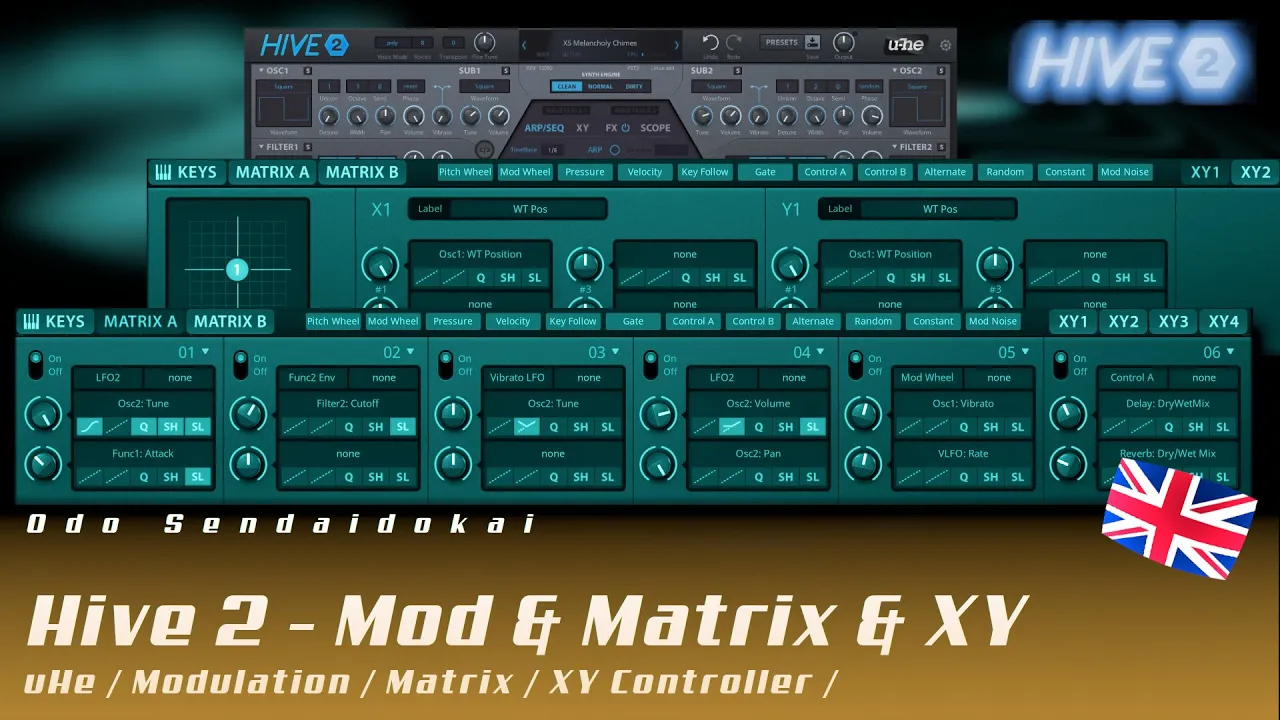
Hive2.1 - Modulation, Matrix & XY #6
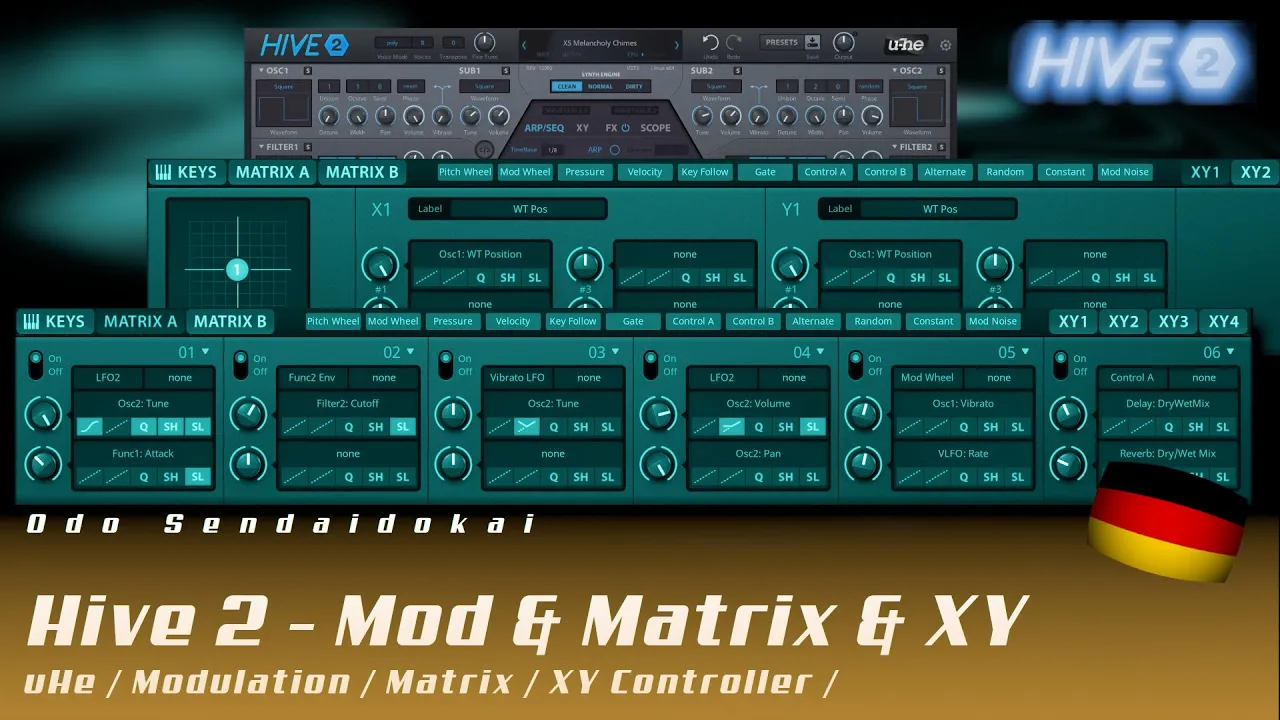
Im sechsten Teil meiner Hive 2.1 Workshop-Serie dreht sich alles um die zwölf Modulatoren (Pitch, Mod Wheel, Pressure, Velocity, Keyfollow, Control A/B, Alternate, Random, Constant, Mod Noise), die Modulations-Matrix A/B und die vier XY-Pads.
Lerne, wie du in der Matrix mit zwei Quellen und zwei Zielen pro Einheit arbeitest, Modifikatoren wie Curve, Rectify, Quantize, Sample & Hold und Slew Limiter einsetzt und so komplexe Modulationsrouten erstellst.
Entdecke die kreative Kraft der XY-Pads mit 2D-, Pad- und Knopf-Ansicht, Auto-Assign-Funktion und bis zu vier Modulationszielen pro Achse - perfekt für ausdrucksstarke, performative Soundgestaltung!
Hive2.1 - Keys & Tuning #7
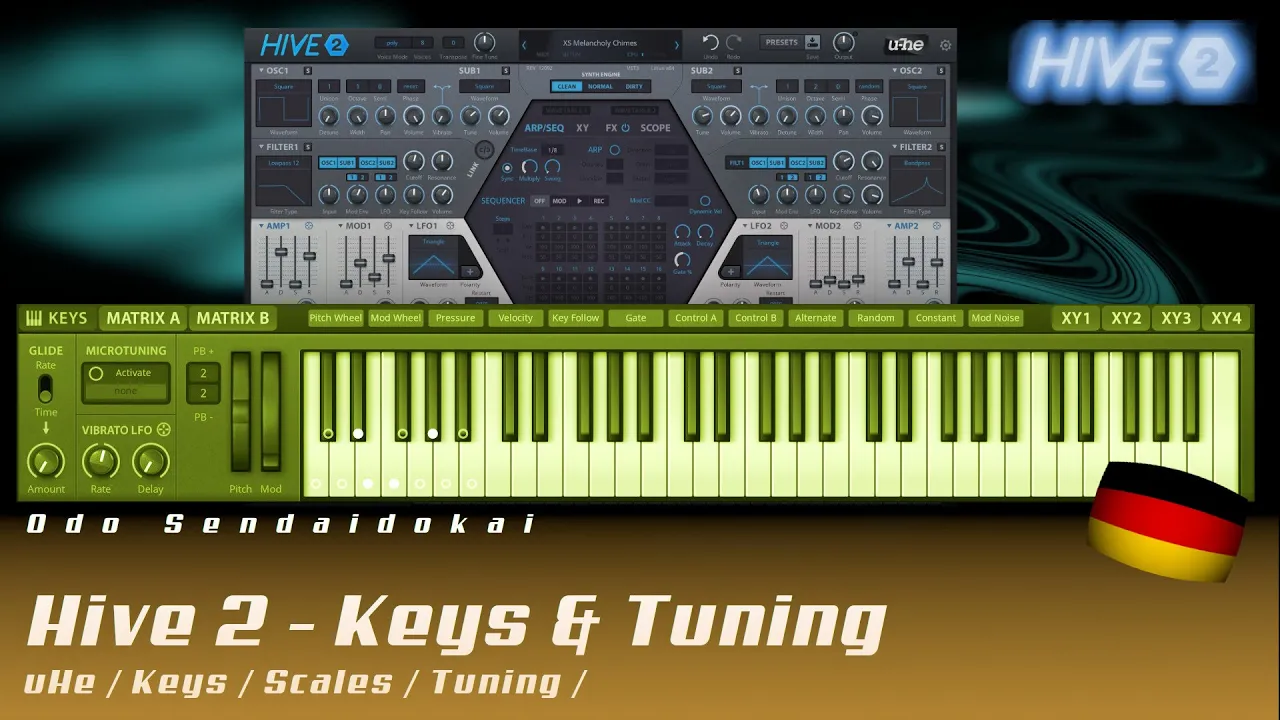
Im siebten Teil meiner Hive 2.1 Workshop-Serie geht es um Keys und Tuning - von Glide/Portamento mit Rate- und Time-Einstellungen über Microtuning mit alternativen Skalen bis hin zu Pitchbend und Vibrato.
Lerne, wie du mit Microtuning-Dateien (TUN, SCL) eigene Skalen importierst, die Tastatur auf bestimmte Töne beschränkst und mit visuellen Skalen-Vorschauen wie Dur, Moll, Pentatonik und exotischen Tonleitern arbeitest.
Entdecke praktische Features wie das Halten von Tönen per Doppelklick (Latch-Funktion) und die separat lockbaren Parameter für Glide, Pitchbend und Mod Wheel - perfekt für präzises Sounddesign und kreative Spieltechniken!
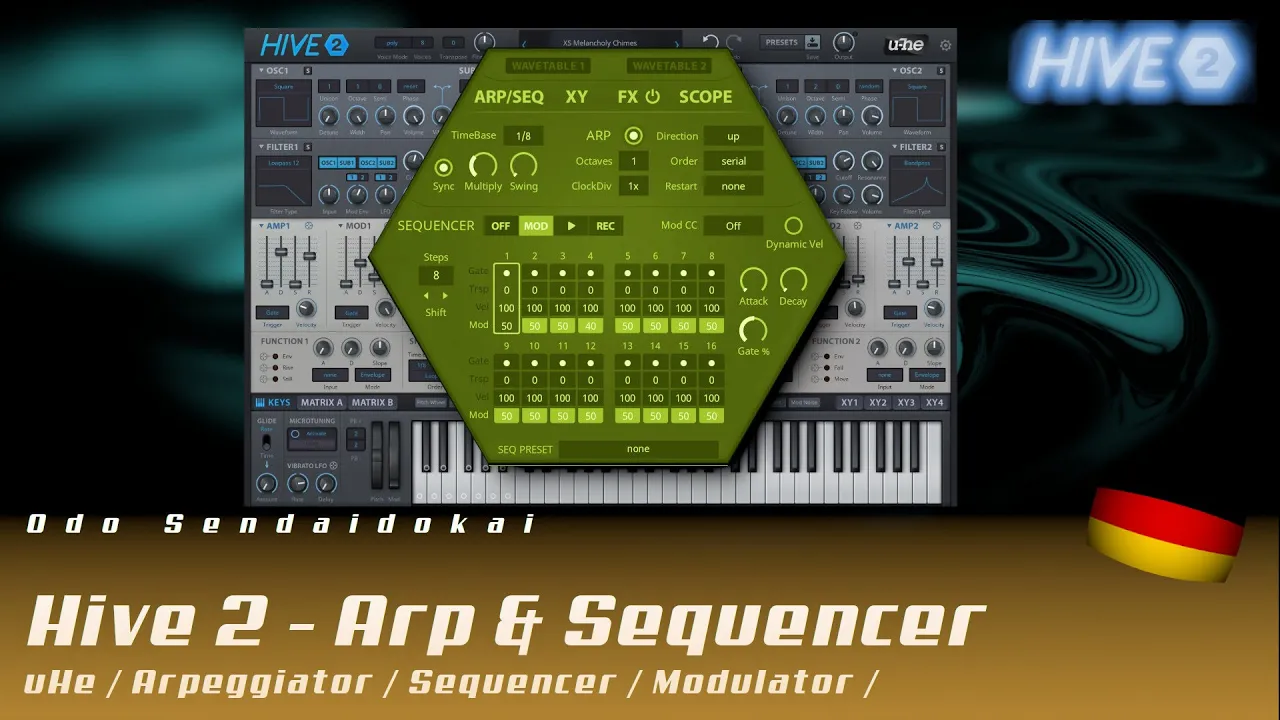
Hive2.1 - Arpeggiator & Sequencer #8
Im achten Teil meiner Hive 2.1 Workshop-Serie dreht sich alles um Arpeggiator und Sequencer - von Timebase, Swing und Clock Divider über Oktaven, Direction und Order bis hin zu Restart-Funktionen.
Lerne, wie du mit dem Sequencer Steps, Shift-Rotation, Gate-Längen, Dynamic Velocity und Modulationsquellen (Mod CC, Pitch Wheel, Control A/B, Pressure) arbeitest und so komplexe rhythmische Muster erstellst.
Entdecke den Record-Modus für Step-Recording, die Kombination von Arpeggiator und Sequencer sowie die zusätzlichen Modulationsquellen Seq Gate und Seq Mod - perfekt für lebendige, sich ständig verändernde Patterns!
Hive2.1 - FX / Effects #9
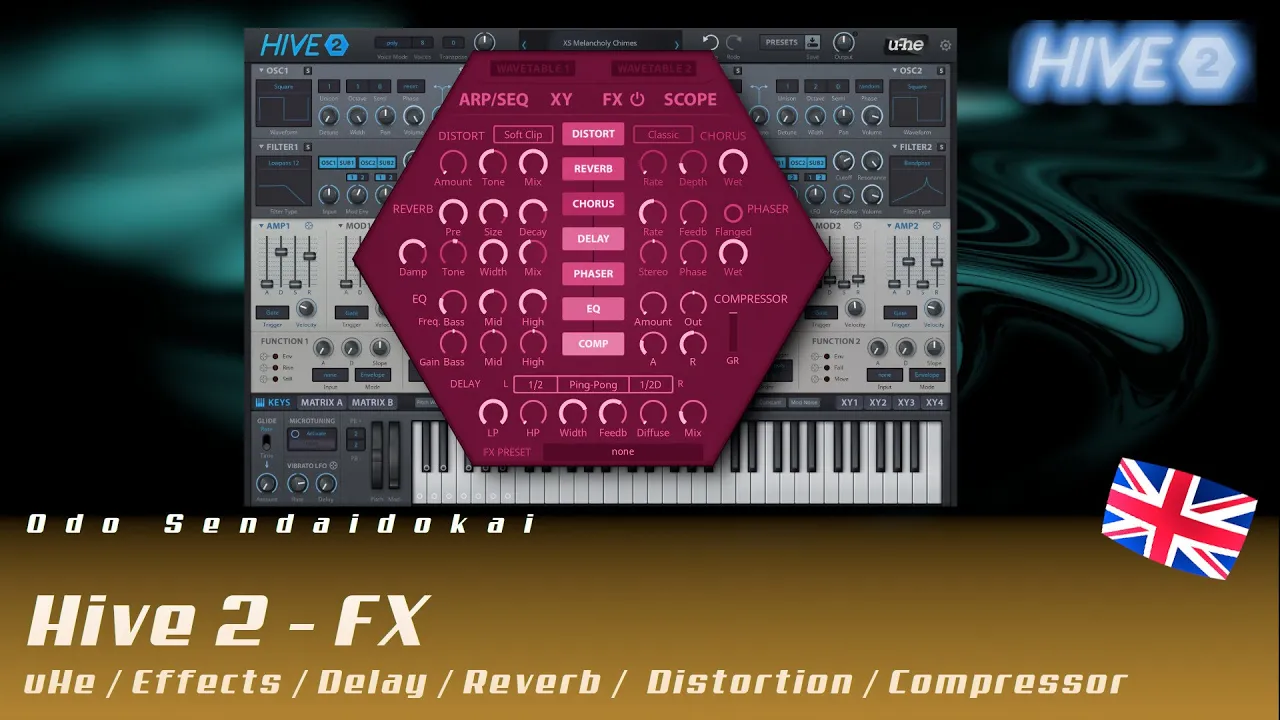
Im neunten Teil meiner Hive 2.1 Workshop-Serie dreht sich alles um die Effekt-Sektion - von Distortion, Chorus und Reverb über Phaser, EQ, Compressor bis hin zum Delay, alles in frei konfigurierbarer Reihenfolge.
Lerne, wie du deinen Sound mit Distortion (Soft Clip, Hard Clip, Fold Back, Corrode), Chorus (Classic, Tri-Chorus, Ensemble) und Reverb mit Pre-Delay, Size, Decay, Damp und Tone formst.
Entdecke die kreative Kraft von Phaser mit Flanger-Option, dem Drei-Band-EQ mit Spektrum-Visualisierung, dem Compressor für Dynamik-Kontrolle und dem vielseitigen Delay mit Stereo-, Ping-Pong- und Pong-Ping-Modi - plus der Möglichkeit, Effekte frei umzuordnen!
Hive 2.1 Synthesizer Workshop - English
The Hive 2.1 software synthesizer by u-He has been on the market for a while now and is nowhere near as well-known as Serum by Xfer or Vital by Tydell, but it is nevertheless an incredibly powerful-sounding and surprisingly CPU-friendly synthesizer that is well worth considering.
On top of that, there’s the absolutely excellent ongoing product maintenance from u-He, which pretty much every one of their products receives. Most are available for Linux, Windows, and macOS, as CLAP, VST3, VST2, AU, AAX, NKS as 64-bit, and partly also as 32-bit versions. On the product page, you’ll find much more technical information about the synthesizer, such as MPE, keyboard control, Opensound, Oddsound MTS-ESP, theming & skins, etc.
This inspired me some time ago to produce an extensive workshop or masterclass in both German and English for this wonderful synthesizer.
I would also be very happy if you would recommend this workshop to others.
Hive 2.1 product page on the u-He website: https://u-he.com/products/hive/
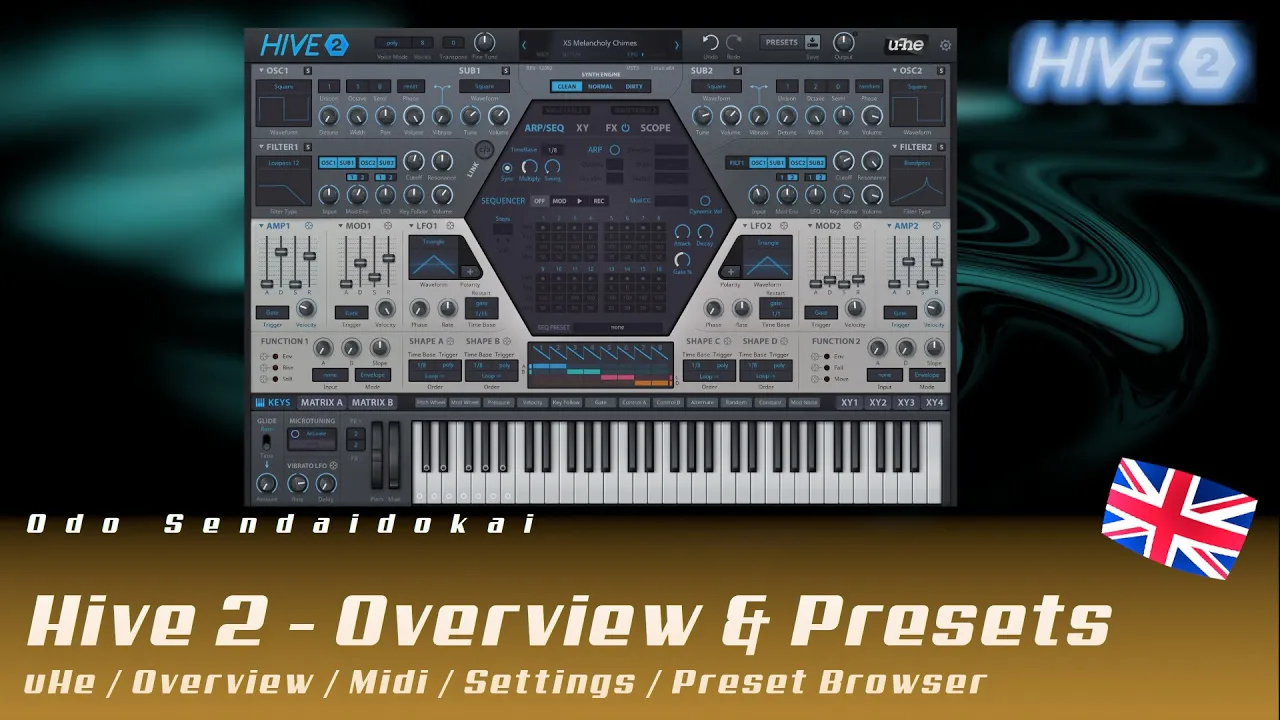
Hive2.1 - Overview & Presets & Settings #1
In this first part of my Hive 2.1 workshop series, you’ll get a complete overview of u-He’s powerful and CPU-friendly synthesizer - from global settings and voice modes to preset management and the user interface.
Learn how to navigate the Hive 2.1 interface, adjust zoom levels, switch themes, and use essential features like transpose, fine-tune, MIDI learn, and the preset browser with its extensive tagging and search system.
Perfect for beginners and advanced users alike - this tutorial covers everything you need to know to get started with one of the most underrated synthesizers on the market!
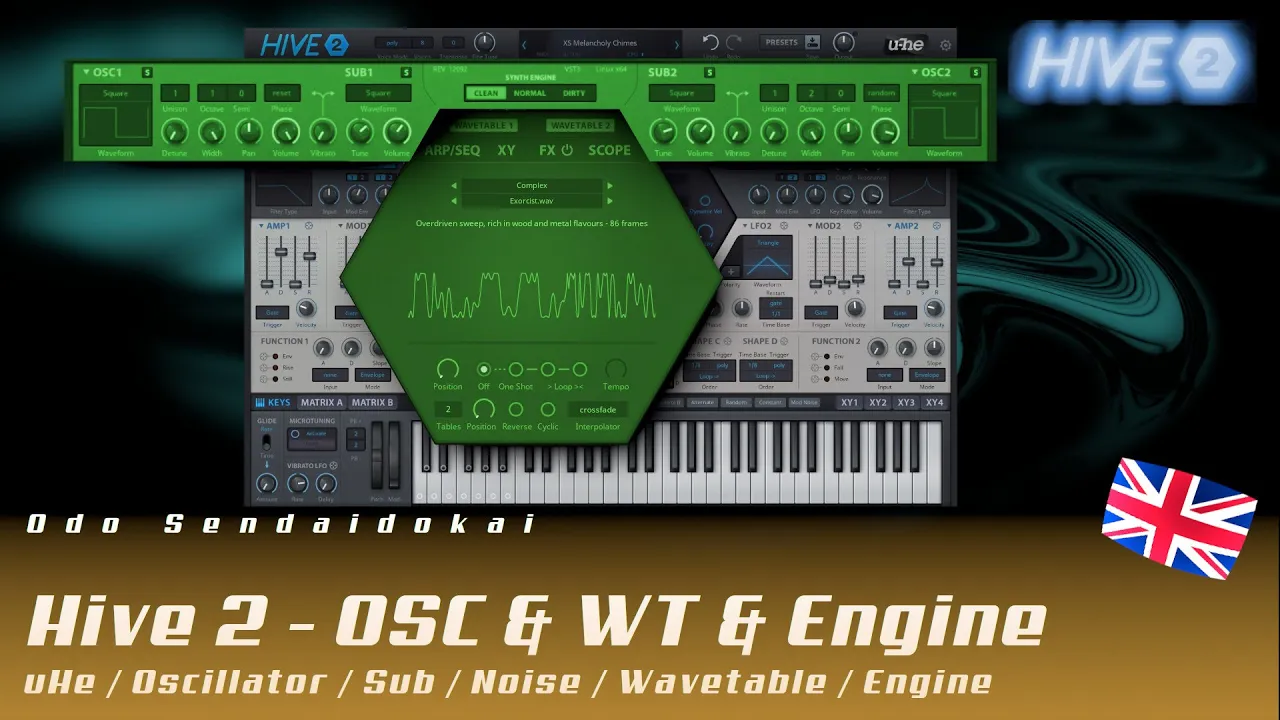
Hive2.1 - Oscillator & Wavetable & Synth Engine #2
In the second part of my Hive 2.1 workshop series, you’ll dive deep into the synthesizer’s oscillators and sound engine - from classic waveforms like sine, sawtooth, and pulse to the powerful wavetables.
Learn how to make your sounds fat and lively with Unison voices, detune, panning, phase settings (Reset/Random/Flow), and the Synth Engine (Clean/Normal/Dirty).
Discover the creative possibilities of the wavetable section - including position, one-shot, tempo, loop, reverse, interpolation, and the 3D tables function for complex sonic movements!
Hive2.1 - Filter & Routing #3
In the third part of my Hive 2.1 workshop series, everything revolves around filters and audio routing - from classic lowpass, highpass, and bandpass filters to special variants like comb, peaking, sideband, and reverb filters.
Learn how to route oscillators through filters, run Filter 1 through Filter 2, work with cutoff, resonance, keyfollow, and the Synth Engine (Clean/Normal/Dirty) to create entirely new sound worlds.
Discover the creative power of comb filters for metallic, percussive, and atmospheric sounds - including practical tips for fine-tuning with the Shift key and modulating filter parameters!
Hive2.1 - Envelopes & LFO & Scope #4
In the fourth part of my Hive 2.1 workshop series, everything revolves around the Envelope Generators (AMP & MOD), LFOs, and the practical Scope - your visual tool for monitoring waveforms and modulation sources.
Learn how to shape volume and filter parameters with ADSR envelopes, create self-modulation and cross-modulation, and influence curve shapes as concave or convex through self-modulation.
Discover versatile trigger options (Gate, OneShot, LFO1/LFO2), velocity control, phase shifting, and polarity settings for monophonic and polyphonic LFOs - for lively, dynamic sound design!
Hive2.1 - Function Generator & Shape Sequencer #5
In the fifth part of my Hive 2.1 workshop series, you’ll dive into the world of Function Generators and Shape Sequencers - two powerful modulation tools inspired by the analog modular world.
Learn how to create complex modulation curves with special parameters like End/Lock, Rise, Fall, Still, and Move, as well as the Slope control, and implement dynamic control with input trigger modes (Gate, Cycle, Follow, Trigger).
Discover the eight-step Shape Sequencers with variable segment types (sawtooth, triangle, square), different playback modes (Loop, Reverse, Random, OneShot), and advanced functions like Rate, Left/Right Value, and Position - perfect for lively, ever-changing modulations!
Hive2.1 - Modulation, Matrix & XY #6
In the sixth part of my Hive 2.1 workshop series, everything revolves around the twelve modulators (Pitch, Mod Wheel, Pressure, Velocity, Keyfollow, Control A/B, Alternate, Random, Constant, Mod Noise), the Modulation Matrix A/B, and the four XY pads.
Learn how to work with two sources and two targets per unit in the matrix, use modifiers like Curve, Rectify, Quantize, Sample & Hold, and Slew Limiter, and create complex modulation routes.
Discover the creative power of the XY pads with 2D, pad, and knob views, auto-assign function, and up to four modulation targets per axis - perfect for expressive, performative sound design!
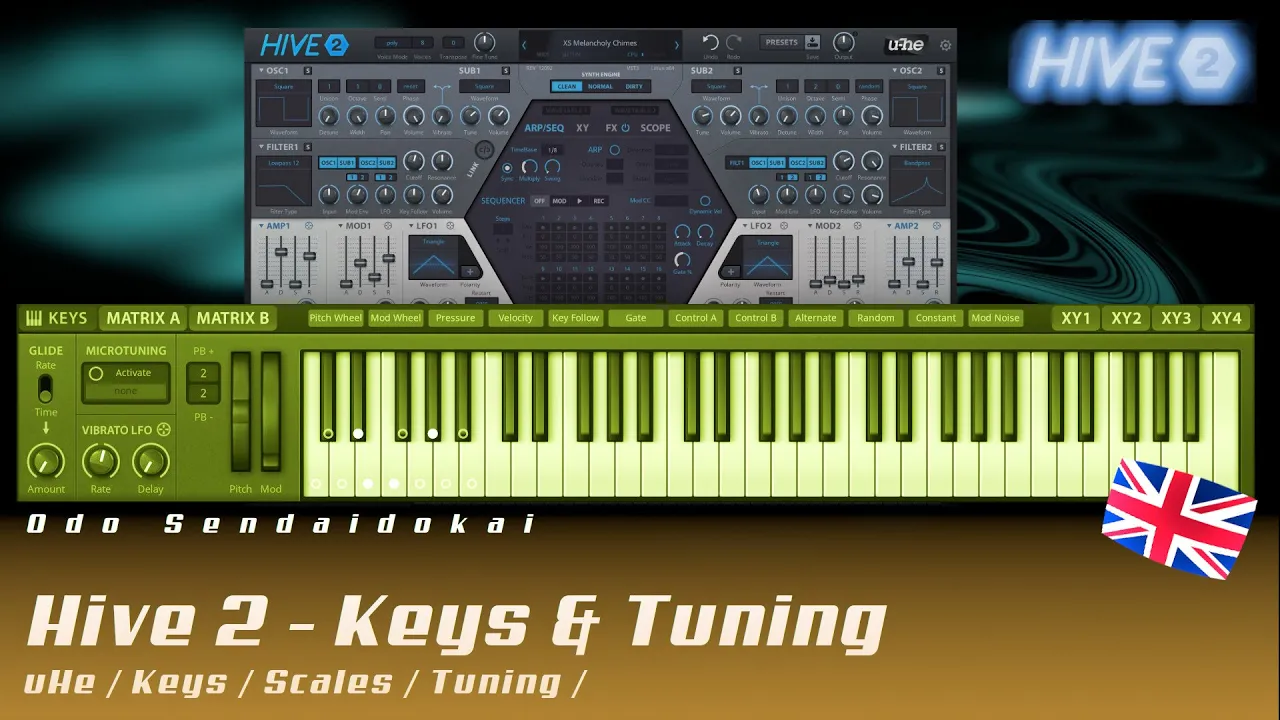
Hive2.1 - Keys & Tuning #7
In the seventh part of my Hive 2.1 workshop series, everything revolves around Keys and Tuning - from Glide/Portamento with Rate and Time settings to Microtuning with alternative scales, Pitchbend, and Vibrato.
Learn how to import your own scales using Microtuning files (TUN, SCL), restrict the keyboard to specific notes, and work with visual scale previews like major, minor, pentatonic, and exotic scales.
Discover practical features like holding notes via double-click (Latch function) and separately lockable parameters for Glide, Pitchbend, and Mod Wheel - perfect for precise sound design and creative playing techniques!
Hive2.1 - Arpeggiator & Sequencer #8
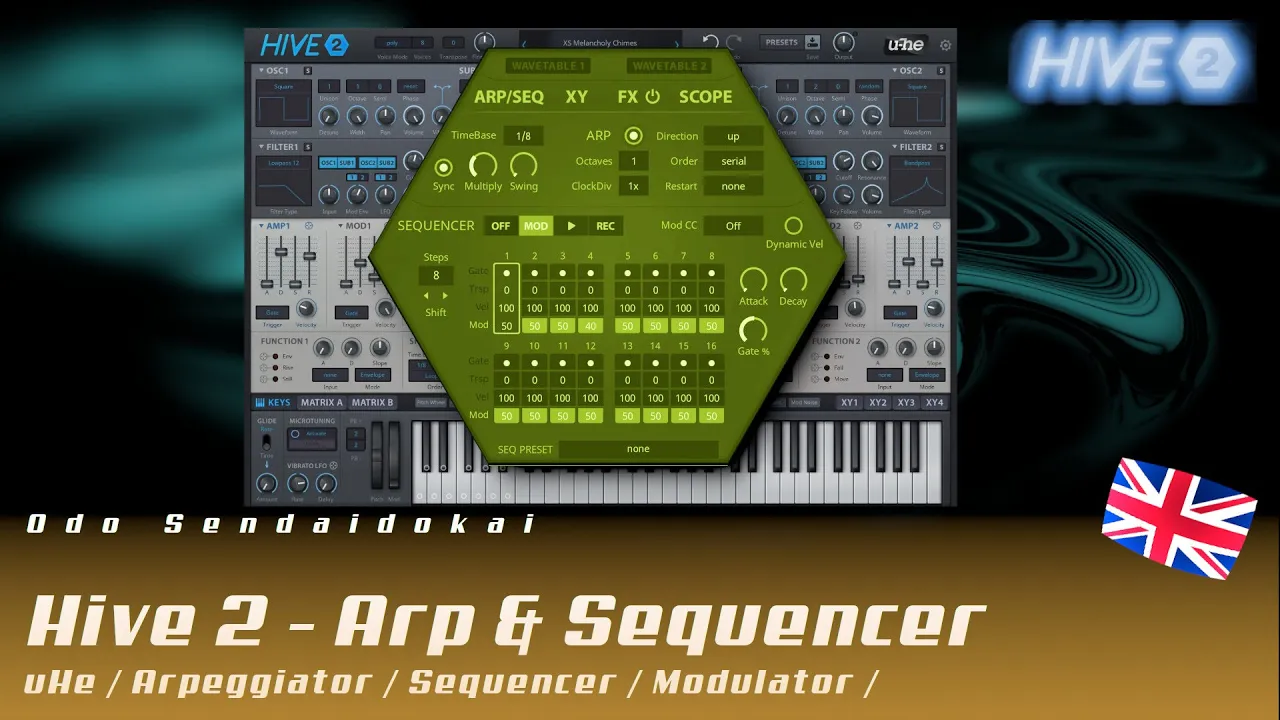
In the eighth part of my Hive 2.1 workshop series, everything revolves around Arpeggiator and Sequencer - from Timebase, Swing, and Clock Divider to Octaves, Direction, Order, and Restart functions.
Learn how to work with Sequencer Steps, Shift rotation, Gate lengths, Dynamic Velocity, and modulation sources (Mod CC, Pitch Wheel, Control A/B, Pressure) to create complex rhythmic patterns.
Discover the Record mode for step recording, the combination of Arpeggiator and Sequencer, and the additional modulation sources Seq Gate and Seq Mod - perfect for lively, ever-changing patterns!
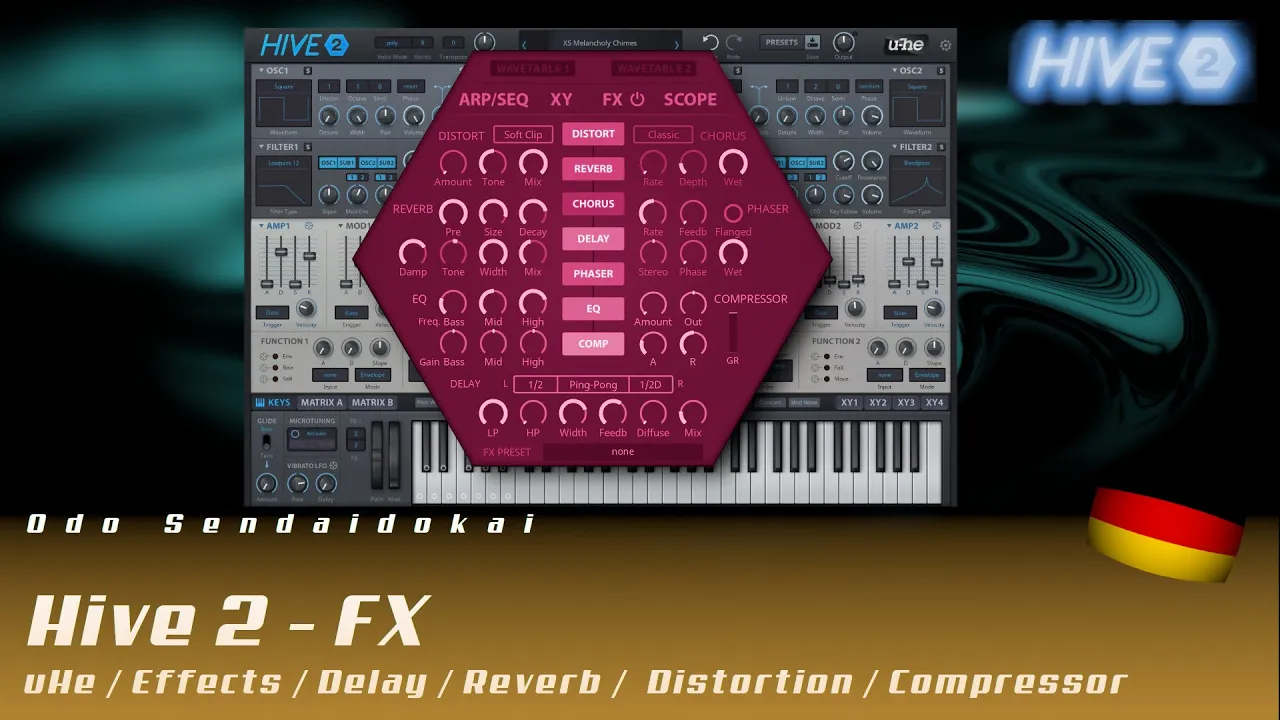
Hive2.1 - FX / Effects #9
In the ninth part of my Hive 2.1 workshop series, everything revolves around the effects section - from Distortion, Chorus, and Reverb to Phaser, EQ, Compressor, and Delay, all fully configurable in their order.
Learn how to shape your sound with Distortion (Soft Clip, Hard Clip, Fold Back, Corrode), Chorus (Classic, Tri-Chorus, Ensemble), and Reverb with Pre-Delay, Size, Decay, Damp, and Tone controls.
Discover the creative power of Phaser with Flanger option, the three-band EQ with spectrum visualization, the Compressor for dynamics control, and the versatile Delay with Stereo, Ping-Pong, and Pong-Ping modes - plus the ability to reorder effects freely!